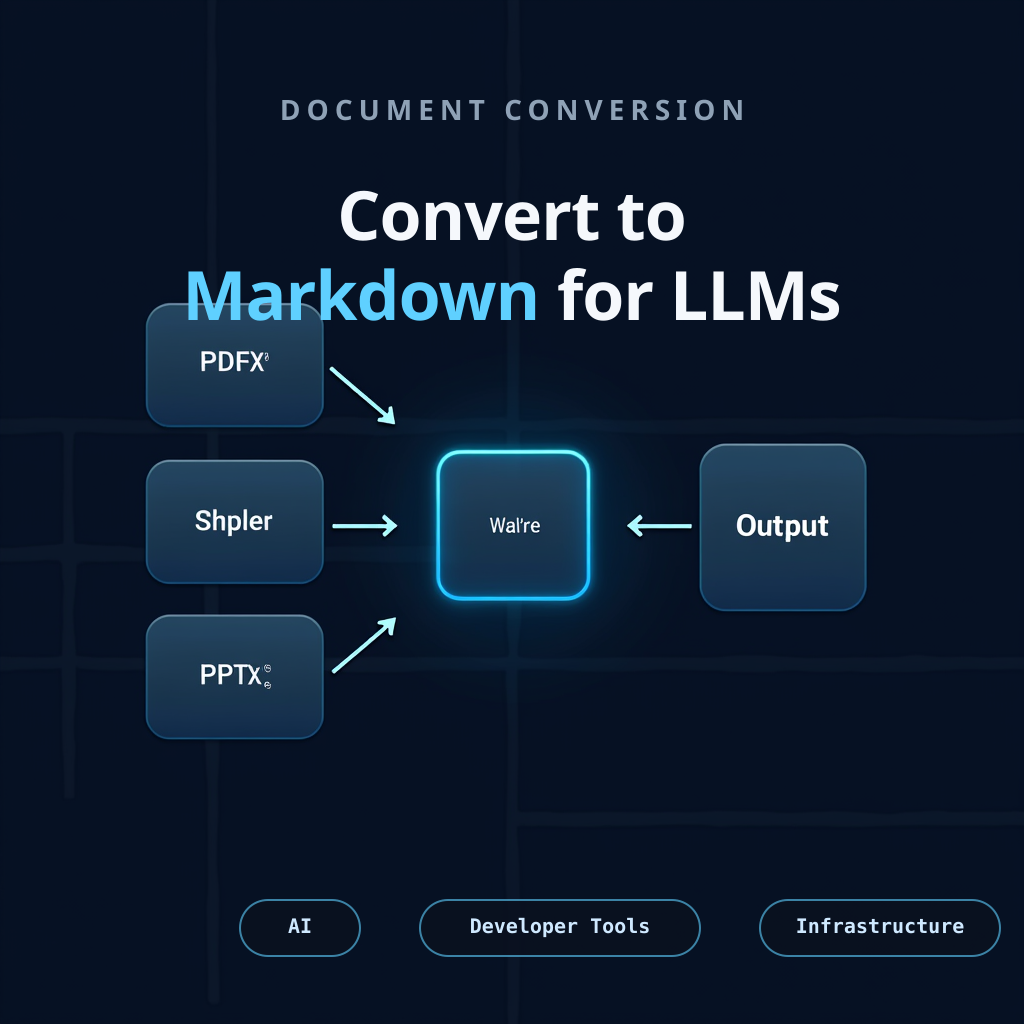
You’re building an LLM application. You need to feed it documents: PDFs, Word docs, PowerPoints, images, audio files. The obvious approach fails immediately. Each format requires a different extraction tool. Each produces different output. None of it fits naturally into an LLM’s context window.
This is the problem MarkItDown solves. After reading through the source, the architecture, and the security model, I understand why Microsoft built it the way they did.
The Real Problem: You Can’t Just Extract Text
When you hand a document to an LLM, most of what matters is structure, not pixels. Headings tell the LLM how ideas organize. Tables tell it where relationships live. Lists tell it what’s parallel. A PDF converter that strips all of this and leaves you with a wall of text has already failed.
Traditional extraction tools solve this differently per format:
- PDFs? Use
pdfminer.sixand hope the layout makes sense - Word docs? Use
python-docxand pray the styles translated - Images? OCR them and lose all the diagrams
- PowerPoints? Extract text and throw away the slide structure
You end up with a pipeline held together with format-specific glue. Each tool optimizes for something different. Outputs don’t compose cleanly.
MarkItDown’s bet is simpler: convert everything to Markdown, and Markdown stays Markdown. Because LLMs are trained on Markdown at scale, understand its structure natively, and because Markdown is minimal enough that you preserve document organization without burning tokens on formatting noise.
The Architecture: Priority-Based Dispatch
The design is clean. A single convert() call takes a file path, URI, stream, or HTTP response. Behind it:
- Format detection — Try file extension, then
magika(ML-based magic bytes), then content inspection - Converter registry — Converters register with priorities. Higher priority (more specific) converters try first. A
.docxconverter beats atext/*generic fallback - Graceful fallback — No converter accepts it? Try the next one. Missing an optional dependency? Skip that converter, don’t crash
- Output normalization — Every converter returns a simple
DocumentConverterResult: markdown text and optional title
What makes this work: every converter extends the same interface. accepts() returns true if this converter can handle the stream. convert() transforms it to Markdown. That’s it.
# This is what every converter does
class DocumentConverter:
    def accepts(self, file_stream, stream_info, **kwargs) -> bool:
        """Can you handle this?"""

    def convert(self, file_stream, stream_info, **kwargs) -> DocumentConverterResult:
        """Convert to Markdown."""
The priority system matters because it lets plugins override built-in converters without touching core code. Plugin for a custom format? Register it with PRIORITY_SPECIFIC = 0.0. It tries before everything else.
For example, markitdown-ocr is a plugin that adds LLM-based OCR to PDF, DOCX, PPTX, and XLSX converters. It doesn’t modify core MarkItDown. Instead, it registers with higher priority than the built-in converters, so when you enable plugins, the OCR converter tries first, extracts text from embedded images using LLM vision, and falls back to the built-in converter if LLM is unavailable. Core MarkItDown doesn’t know it exists. That’s the design working correctly.
What It Actually Converts
20+ formats come built-in, organized by dependency cost:
No dependencies needed: Plain text, Markdown, HTML, JSON, XML, CSV
Optional dependencies (install what you need):
- PDF:
pdfminer.sixextracts text;pdfplumberhandles tables; preserves page breaks as comments - Office:
python-docxfor Word,python-pptxfor PowerPoint (with optional LLM image descriptions),pandasfor Excel - Images: EXIF metadata plus optional LLM descriptions for image content
- Audio: Metadata plus optional transcription via Azure Speech or local tools
- Special: ZIP (recurses into contents), EPUB, Jupyter notebooks, YouTube transcripts, Wikipedia articles, RSS feeds, Outlook messages
Images and LLM Vision
Images in documents are the worst case: a screenshot, diagram, or chart contains the actual content, but text extraction loses everything. MarkItDown extracts EXIF metadata (camera, date, location) always. If you configure an LLM client, it goes further: base64-encodes the image and calls a vision API to describe what’s in it.
from markitdown import MarkItDown
from openai import OpenAI

md = MarkItDown(
    llm_client=OpenAI(api_key="sk-..."),
    llm_model="gpt-4o"
)

result = md.convert("report_with_charts.pdf")
# Images in the PDF now have descriptions like:
# "# Description: Bar chart showing Q4 revenue by region..."
This works with any OpenAI-compatible provider: OpenAI, Anthropic (if exposed), Ollama, or a local LLM. Same pattern for PowerPoint slides with embedded images.
The graceful part: no LLM configured? MarkItDown just extracts EXIF metadata and keeps going. No error, no crash. The feature is optional because it’s useful but not essential—you decide whether the cost of LLM calls is worth the image context.
The pattern is consistent: each converter knows its format, extracts structure, converts to Markdown, returns the result.
What’s not supported: Desktop apps, browser UIs, real-time streaming, custom niche formats. Those are exactly what the plugin system is for.
Why Cloud Integration Matters (But Isn’t Required)
MarkItDown can use Azure Document Intelligence (OCR for scanned PDFs) or Azure Content Understanding (multimodal extraction with custom analyzers). They’re optional. Miss the dependency, the local converter kicks in.
This distinction matters because you can build without them, then add them later for specific document types. A simple PDF might use the local converter in 100ms. A scanned invoice might use Azure with custom field extraction, taking 2–10 seconds. You choose per file type.
Security: The API Shapes Your Threat Model
MarkItDown doesn’t solve security. It gives you tools to design it correctly.
The threat model: Your process can access any file or network resource it has permission to reach. convert() can take local paths, remote URIs, even data URIs. That’s powerful. It’s also dangerous if you’re accepting untrusted input.
So MarkItDown gives you narrower APIs:
convert_local()— Only local files. No network access. Good for untrusted input.convert_stream()— Caller controls I/O. Converter only processes content.convert_response()— You handle the HTTP request; converter handles the content.
The library doesn’t enforce these boundaries. Your code does. But the API design makes the safe path obvious. Use convert_local() unless you have a reason not to.
The XML converter uses defusedxml to prevent XXE attacks. Image converter doesn’t execute arbitrary EXIF scripts. These are good defaults, not guarantees. Security is something you build, not something you inherit.
When It’s Worth Using
Use MarkItDown if:
- You’re feeding documents to LLMs for analysis, summarization, Q&A
- You need to handle multiple formats with one tool
- Document structure matters more than visual fidelity
- You’re building a content ingestion pipeline and want something unified
Don’t use MarkItDown if:
- You need pixel-perfect document conversion — use Pandoc or LibreOffice
- Your documents are mostly images — MarkItDown extracts the text but loses the layout
- You need to convert DOCX to HTML while keeping formatting — use Pandoc
- You need real-time streaming or live document feeds
The honest comparison: MarkItDown is not a replacement for specialized tools. Pandoc handles more formats with higher fidelity. LibreOffice preserves appearance perfectly. Textract is simpler for basic extraction. MarkItDown’s specific win is “I’m building an LLM application and I need this document as clean Markdown, and I need it to work the same way for PDFs, Word, PowerPoint, and images.”
What Generalizes Beyond the Tool
Three things from MarkItDown’s design that matter for any document processing system:
-
Priority-based dispatch beats if/else chains. When you have multiple handlers, let them register themselves with priorities. Higher priority (more specific) tries first. Lets plugins override builtins without modification.
-
Stream-based processing scales. Files load as streams, not into memory all at once. For large documents, this difference is visible. For distributed systems, it’s essential.
-
Graceful degradation keeps systems running. Missing an optional dependency? Skip that feature, try the next converter. A failed plugin? Log it as warning, move on. Binary falls back to next handler. Systems that fail hard on missing dependencies tend to fail hard in production.
The Real Story
MarkItDown is one tool in Microsoft’s bigger bet: that LLM-powered applications need infrastructure more than capability. The LLM itself is becoming commodity. What matters is what you feed it and how you coordinate the pieces around it.
MarkItDown’s job is small: convert documents to Markdown cleanly, support many formats from one interface, give you hooks for your own formats, stay out of your way otherwise.
It does that well. Whether you use it depends on whether “clean Markdown from diverse documents” is actually your bottleneck. For many LLM applications, it is.
Dive deeper: github.com/microsoft/markitdown — source code, docs, examples. PyPI package for installation.
Find me on X @mikezupper if you try MarkItDown and hit something it doesn’t handle well, or if you’ve built on it and found a pattern worth sharing.